Prediction Widget – Interactive Trading Game for Fintech & Education
A downloadable Trading Game
🎯 Train Your Trading Instincts
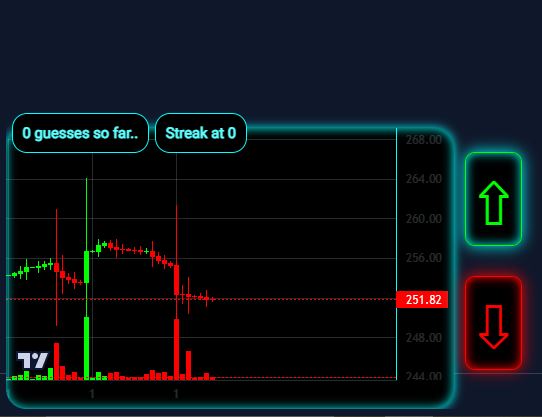
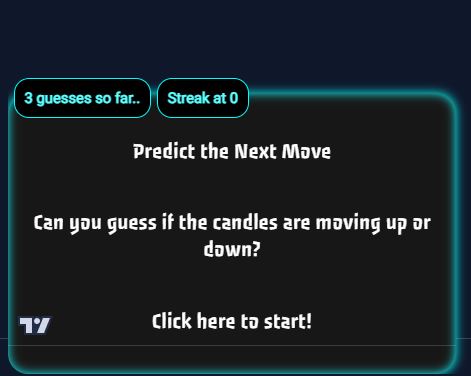
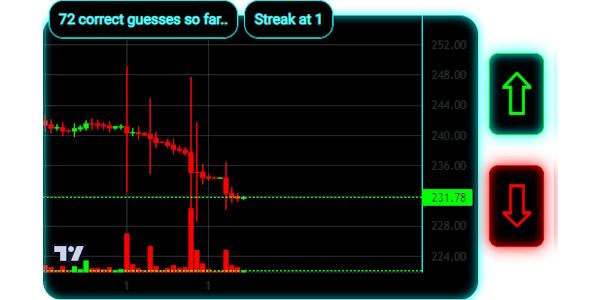
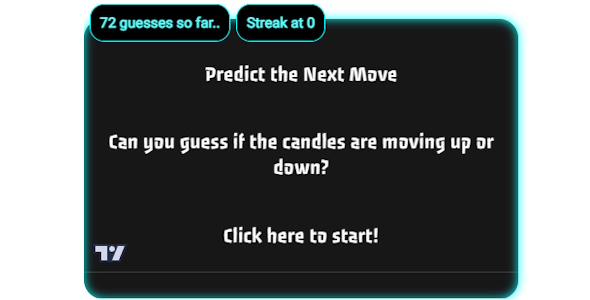
The Prediction Widget is an interactive JavaScript mini-game where users guess whether the next market move will go 📈 up or 📉 down. It’s lightweight, customizable, and designed to boost engagement on fintech websites, trading blogs, and educational platforms.
Try it here: https://eclectic-lollipop-e8f05a.netlify.app/
⚡ Fast, Fun, and Educational
Visitors can practice decision-making in real time, track their performance, and build confidence analyzing market moves. Perfect for trading educators who want a hands-on learning tool or fintech startups looking for interactive content that stands out.
🛠️ Key Features
- Up/Down prediction with instant results
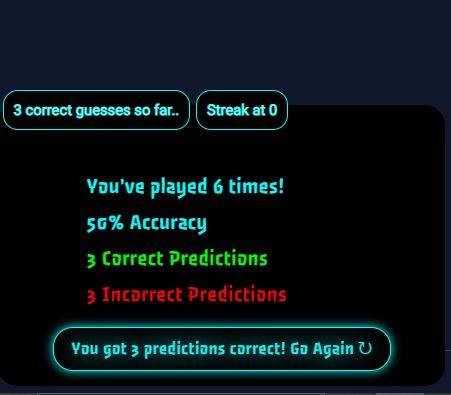
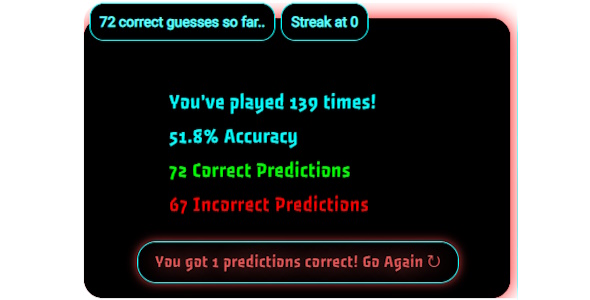
- Streaks & stats saved with localStorage
- Fully customizable design (colors, sounds, difficulty)
- No API key required – works out of the box
- Mobile-friendly & lightweight for any website
📚 Built for Fintech & Education
Whether you’re running a trading course, a crypto blog, or a financial startup, this widget adds interactive value that keeps users engaged. It transforms passive readers into active participants, making your site memorable.
🚀 Easy Integration
Simply drop it into your site and customize the look and feel. No complex setup, no third-party dependencies. Just plug, play, and let your audience start predicting the markets.
💡 Who Is It For?
- Fintech websites & startups 💻
- Trading educators & online courses 🎓
- Finance blogs & communities 📊
- Brokers & platforms looking to boost user engagement 💹
Download
Install instructions
- Download the ZIP file after purchase.
-
Extract the contents to your computer.
-
-
Locate the files inside the package:
-
prediction-widget.js -
prediction-widget.css -
Demo
index.html -
Documentation / README
-
-
Add to your project:
-
Copy
prediction-widget.jsandprediction-widget.cssinto your site’s project folder.
-
-
Include in your HTML:
<link rel="stylesheet" href="prediction-widget.css"> <script src="prediction-widget.js"></script>
-
Add the widget container:
<div id="prediction-widget"></div>
-
Customize settings:
-
Open
prediction-widget.js→ adjust colors, text, difficulty, or sounds in the config section.
-
-
Open your page in a browser. The Prediction Widget is now live and ready to use 🎯.
Leave a comment
Log in with itch.io to leave a comment.